Email OTP
Quant0 supports Email OTP (One-Time Password) authentication as a secure way to verify a user's identity using a temporary verification code sent to their registered email address.
Email OTP can be used as an additional authentication method when signing in or completing an authentication step that requires email verification.
How Email OTP Works
When Email OTP authentication is requested:
- Quant0 sends a one-time verification code to the user's registered email address.
- The user opens the email and retrieves the OTP.
- The user enters the OTP in the Quant0 verification screen.
- Quant0 validates the submitted code.
- If the code is valid, authentication continues.
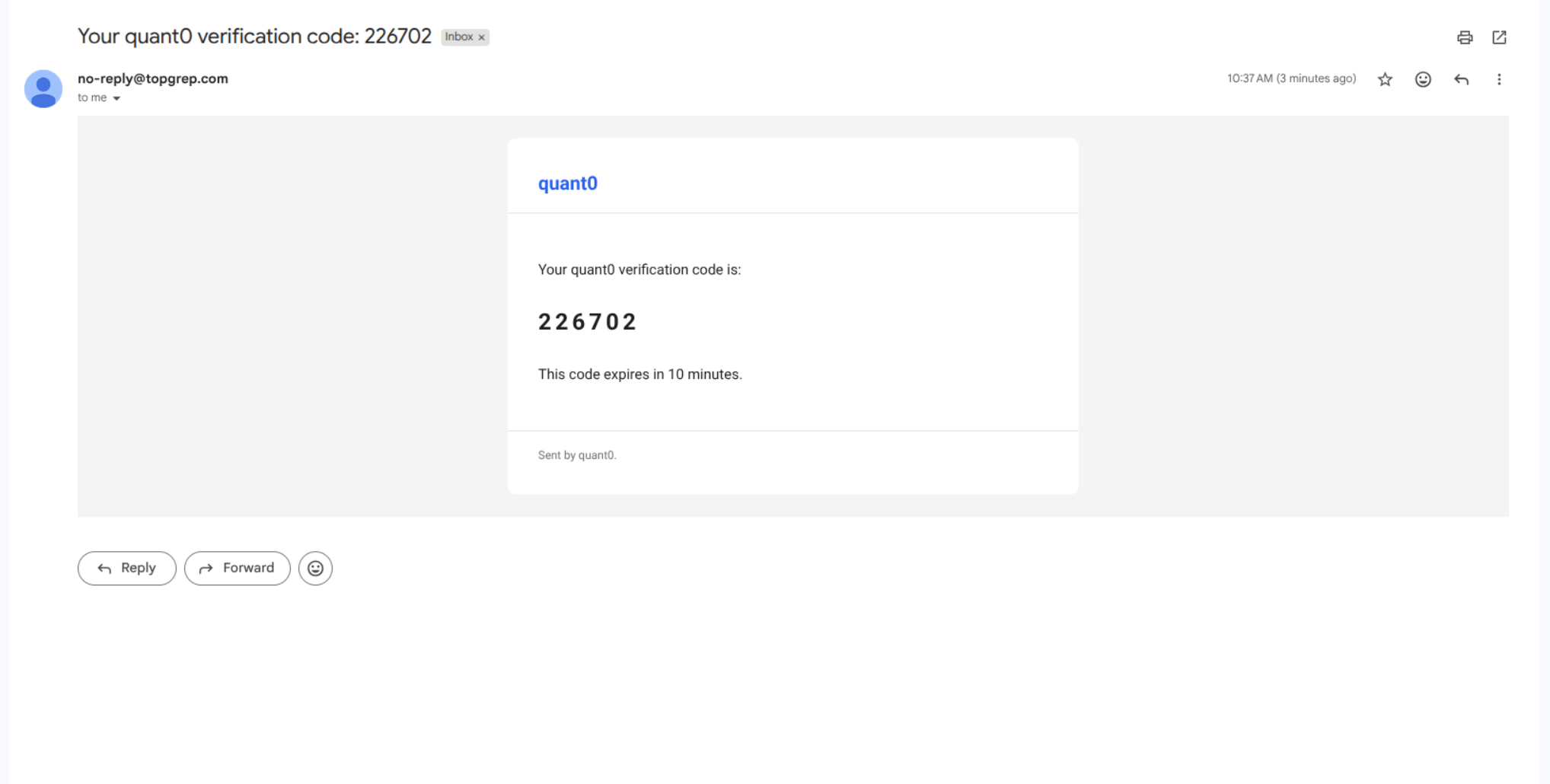
Request an Email OTP
When Email OTP is available as an authentication method:
- Start the Quant0 authentication process.
- Select Email OTP when prompted.
- Quant0 sends a verification code to your registered email address.
- Open your email inbox.
- Locate the email containing the verification code.
- Enter the code in the Quant0 verification screen.
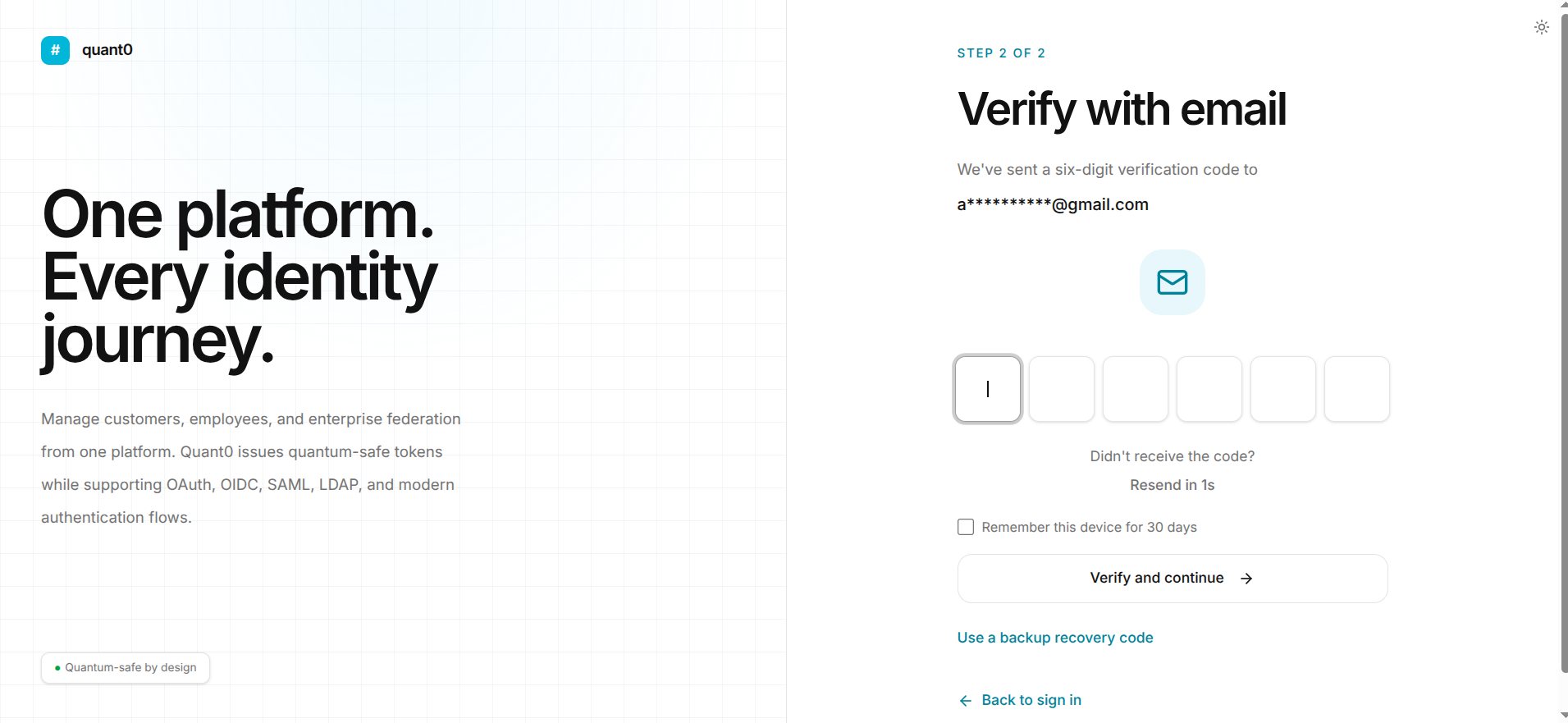
Enter the Verification Code
Enter the OTP exactly as it appears in the email.
After entering the code:
- Verify that all digits have been entered correctly.
- Click Continue or the available verification action.
- Quant0 validates the OTP.
- If the code is valid, authentication continues.
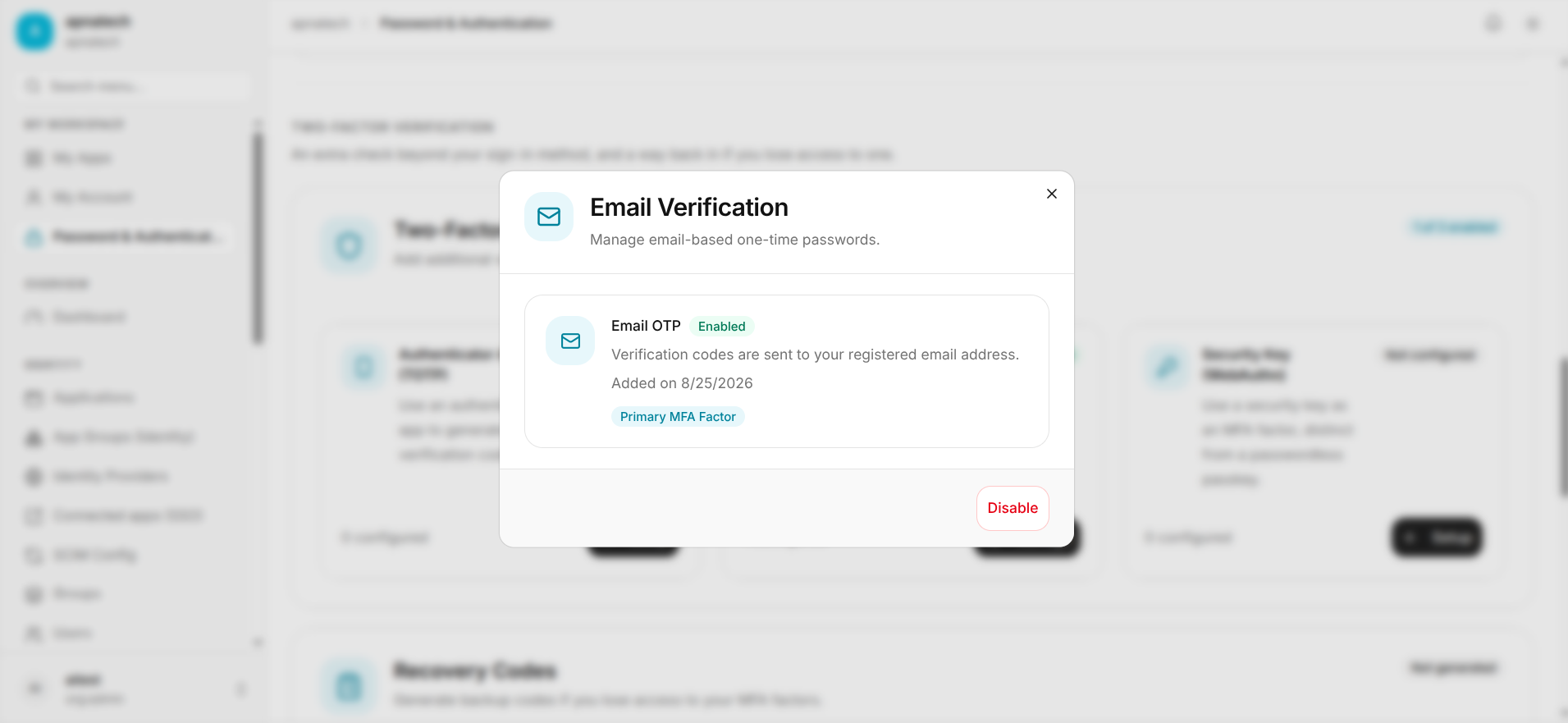
OTP Expiration
Email OTP codes are temporary.
If the OTP expires before it is submitted:
- Request a new OTP using the available Resend OTP option.
- Open the latest OTP email.
- Enter the newly generated code.
- Continue the authentication process.
Note: Always use the most recently generated OTP.
Common Email OTP Issues
| Issue | Cause | Solution |
|---|---|---|
| OTP Not Received | The email may be delayed or filtered. | Check your spam/junk folder and wait briefly before requesting another OTP. |
| Invalid OTP | The entered code is incorrect. | Re-enter the code exactly as shown in the email. |
| OTP Expired | The verification code is no longer valid. | Request a new OTP and use the latest code. |
| Multiple OTP Emails | More than one OTP was requested. | Use the most recently generated OTP. |
| Incorrect Email | The OTP was sent to a different registered email address. | Verify that you are using the email associated with your Quant0 account. |
Security
Email OTPs are intended for one-time verification.
For account security:
- Do not share your OTP with anyone.
- Do not forward OTP emails to other users.
- Enter the OTP only on the official Quant0 authentication page.
- Always use the latest OTP received.
Related Documentation
- Sign In to Quant0 - Learn how to sign in to your Quant0 account.
- Authenticator App (TOTP) - Use an authenticator application for time-based OTP authentication.
- Passkeys - Configure passwordless passkey authentication.
- Password & Authentication - Manage account authentication settings.
- Forgot Password - Recover your account password.