Forgot Password
If you cannot remember your Quant0 account password, you can use the Forgot? option on the Sign In page to securely reset your password.
The password recovery process uses your registered work email to send instructions for resetting your password.
Start Password Recovery
To reset your password:
- Open the Quant0 Sign In page.
- Enter your work email if required.
- Click Forgot? next to the Password field.
- Quant0 opens the Reset your password page.
- Enter the email address associated with your account.
- Click Continue →.
Work Email
The password recovery page requires a Work email address.
Placeholder: name@company.com
Enter the email address associated with your Quant0 account.
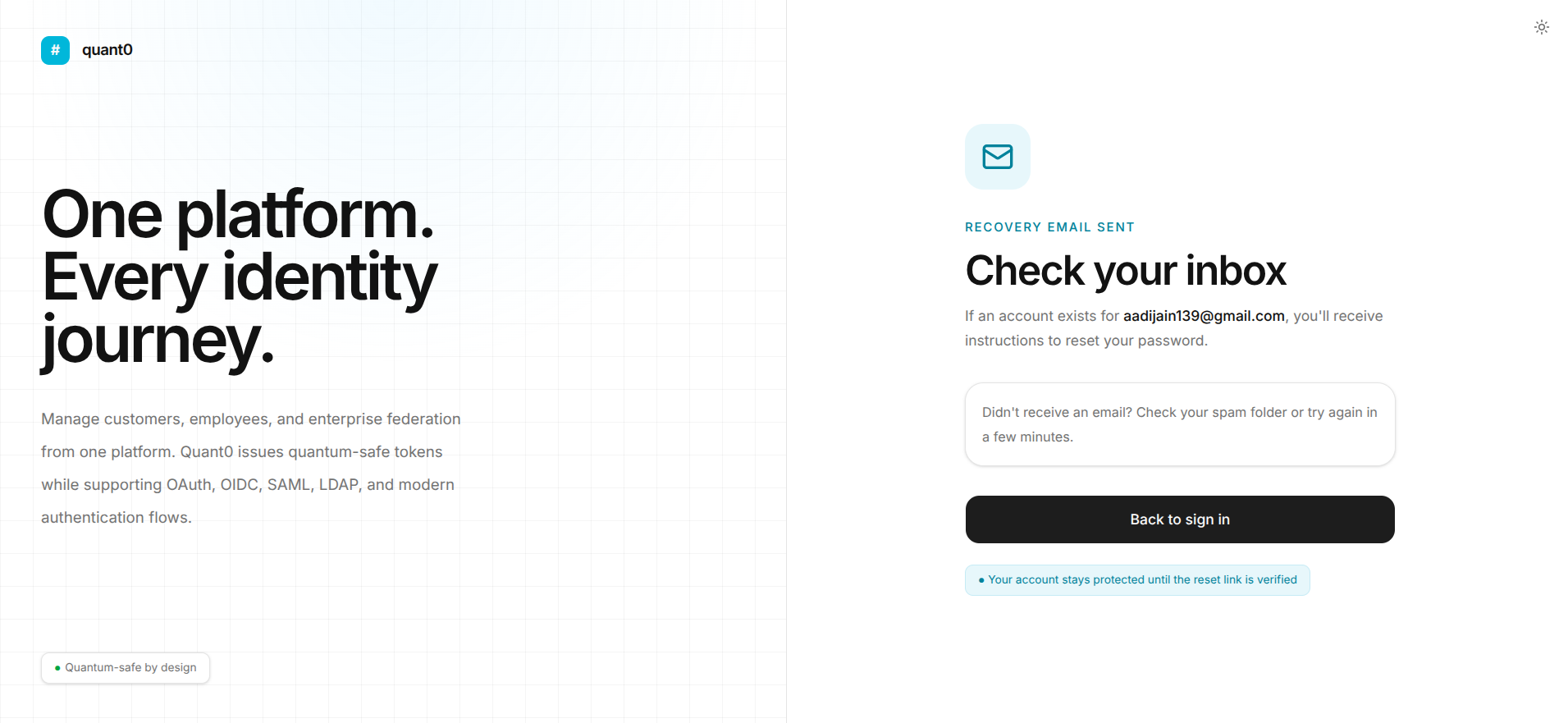
If an account exists for the provided email address, Quant0 sends instructions to securely reset the password.
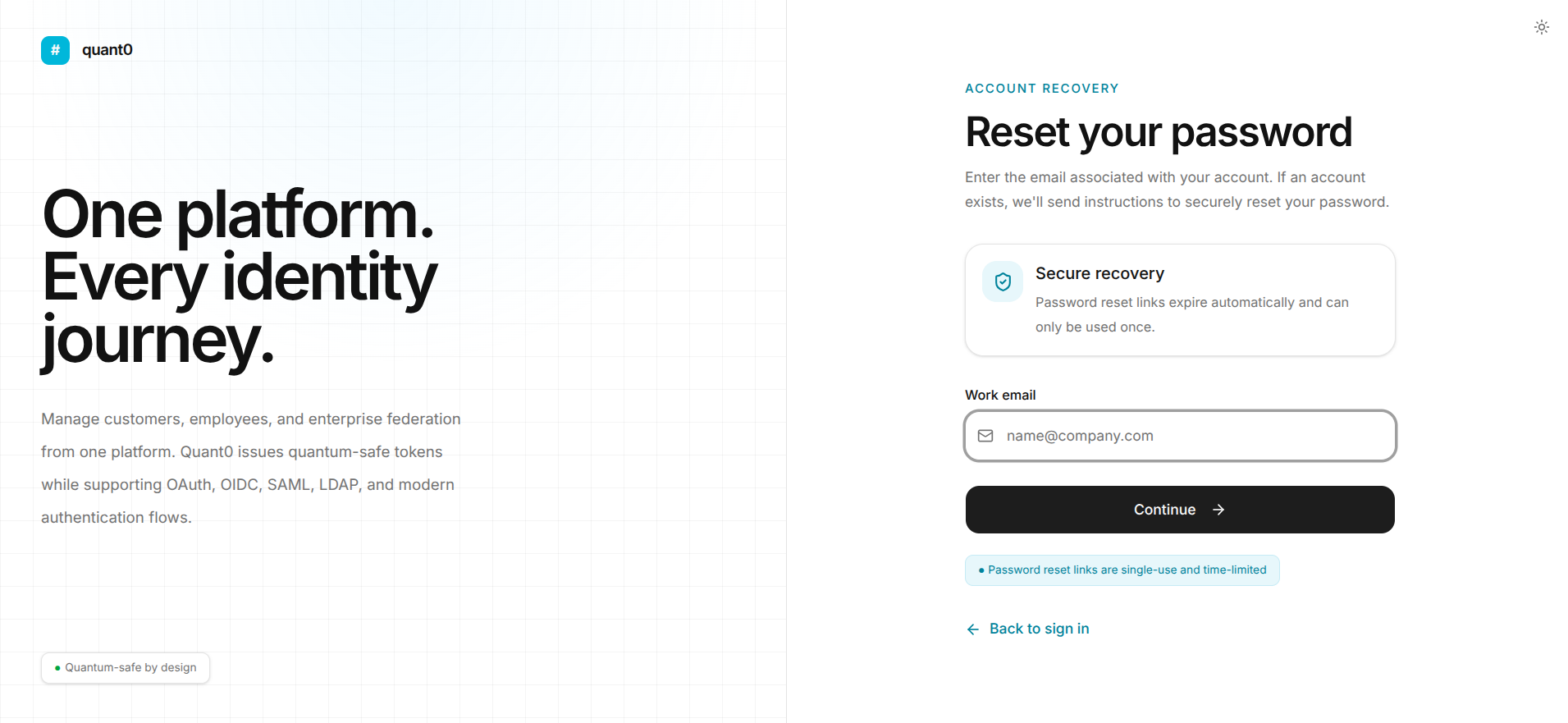
Secure Recovery
Quant0 uses a secure password recovery process.
Password reset links:
- Are sent to the email associated with the account.
- Are single-use.
- Are time-limited.
- Automatically expire after their validity period.
- Cannot be reused after the password has been reset.
Security Note: Do not share your password reset link with anyone. Use the link only from a trusted device and browser.
Creating a New Password
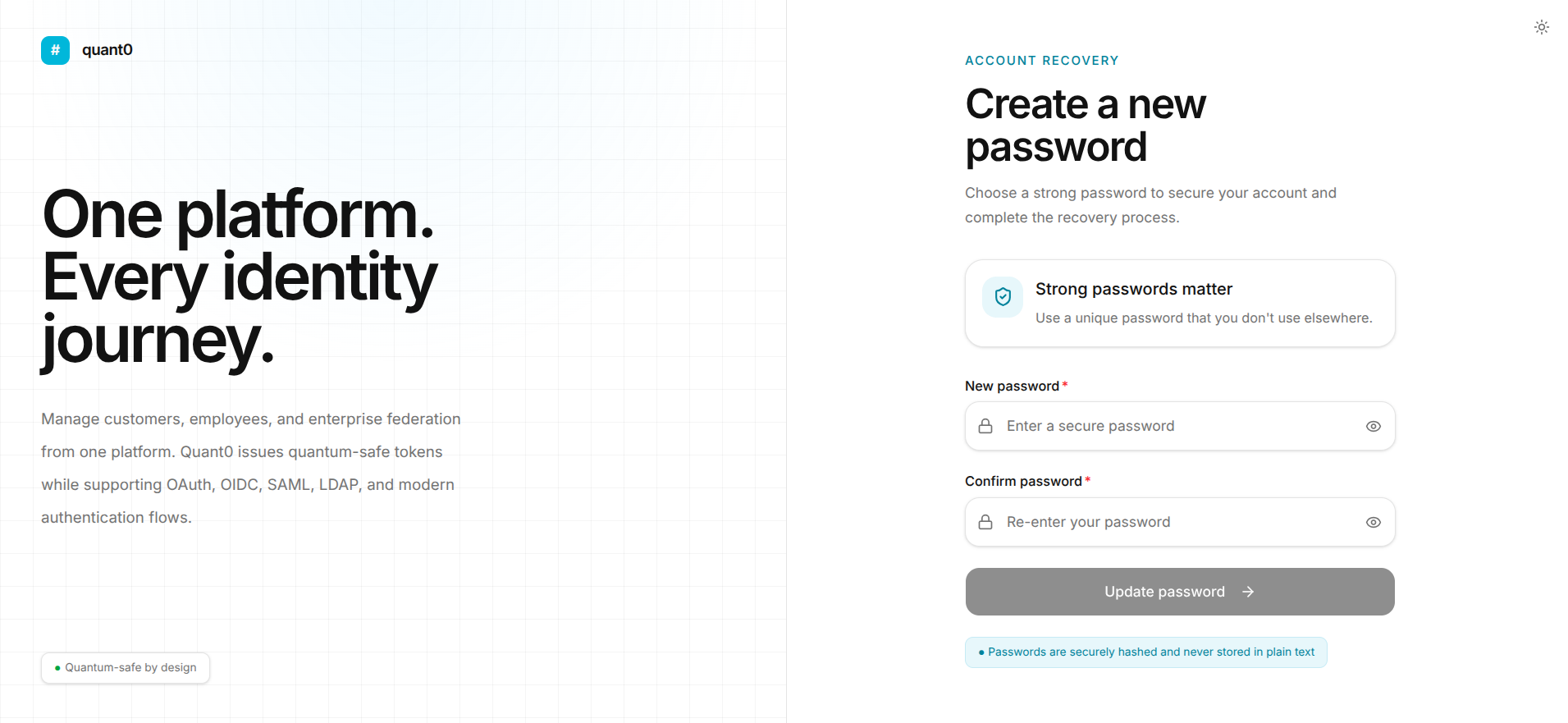
When prompted to create a new password:
- Enter your new password.
- Confirm the new password.
- Ensure the password satisfies the required password policy.
- Submit the password reset form.
- After a successful reset, return to the Sign In page and sign in using your new password.
Common Password Recovery Issues
| Issue | Cause | Solution |
|---|---|---|
| Reset Email Not Received | The email may take some time to arrive or may have been filtered. | Check your spam/junk folder and verify that the correct work email was entered. |
| Reset Link Expired | Password reset links are time-limited. | Start the password recovery process again from the Sign In page. |
| Reset Link Already Used | Password reset links can only be used once. | Request a new password reset link. |
| Invalid Email | The entered email does not match the expected email format. | Enter a valid work email address. |
| Password Reset Failed | The new password does not satisfy the password requirements. | Create a password that meets the required password policy. |
Return to Sign In
If you remember your password or have completed the password reset process, click:
← Back to sign in
This returns you to the Quant0 Sign In page.
Related Documentation
- Sign In to Quant0 - Learn how to sign in to your Quant0 account.
- Change Password - Change your password while already signed in.
- Password & Authentication - Manage password and authentication settings.
- Trusted Devices - Learn how Keep me signed in works.