Trusted Devices
Quant0 allows users to mark a device as trusted during sign-in using the Keep me signed in option.
When a user selects Keep me signed in while signing in successfully, the device is remembered as a trusted device. This helps reduce the need to repeatedly authenticate on the same device.
How Trusted Devices Work
Trusted device functionality is controlled from the Sign In page.
During sign-in, users can select:
Keep me signed in
When this option is enabled and authentication is successful, the current device is registered as a trusted device for the account.
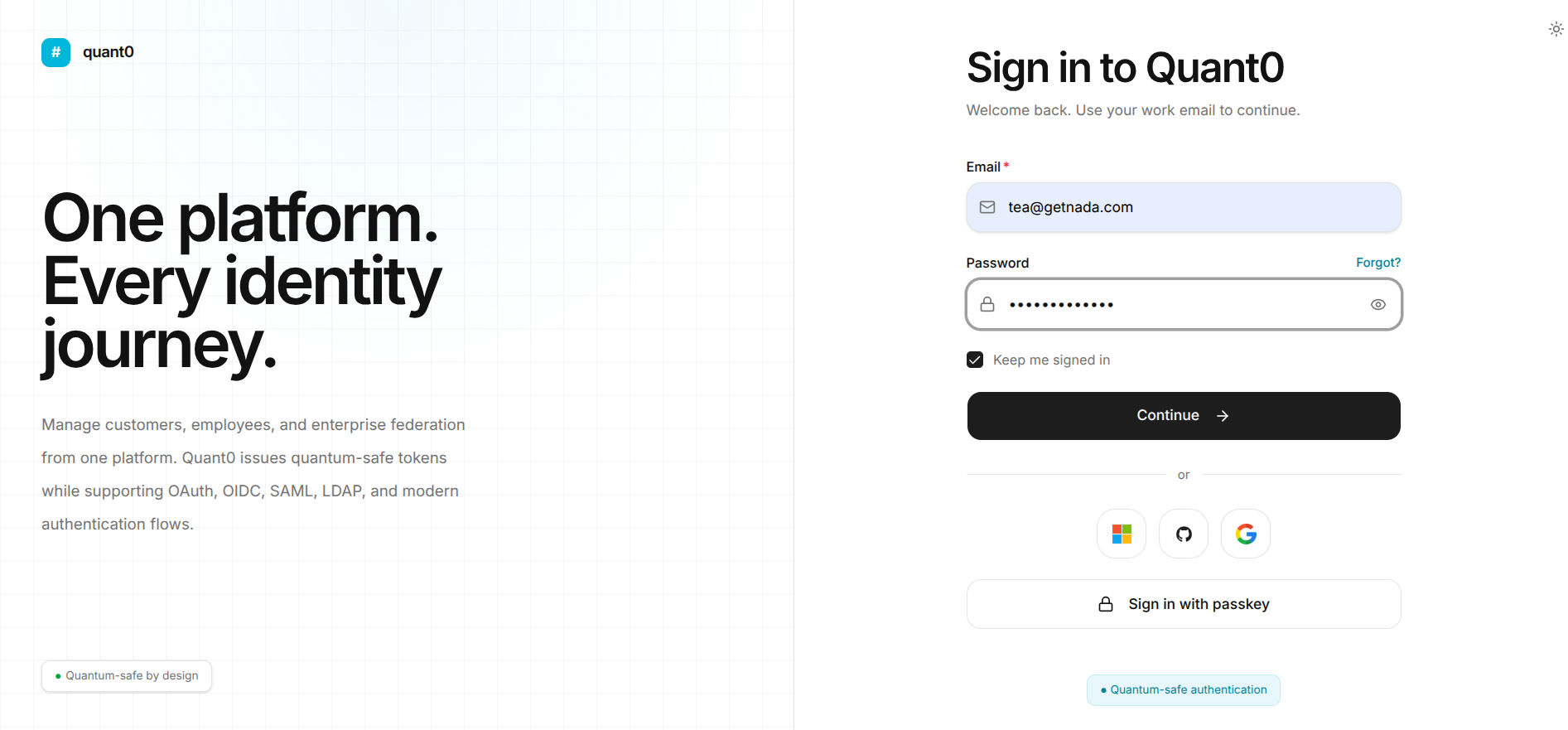
Sign In with a Trusted Device
To trust a device:
- Open the Quant0 Sign In page.
- Enter your registered work email.
- Enter your password.
- Select Keep me signed in.
- Click Continue →.
- Complete the authentication process.
- After successful authentication, the device is treated as a trusted device.
Keep Me Signed In
The Keep me signed in option is available on the Quant0 Sign In page.
When Selected
When the user checks Keep me signed in:
- The current device is marked as trusted after successful authentication.
- The user can maintain a longer-lived authenticated session.
- The user may not need to sign in again as frequently on the same trusted device.
When Not Selected
When the user does not select Keep me signed in:
-
The device is not explicitly marked as trusted.
-
The user's session follows the standard authentication and session-expiration rules.
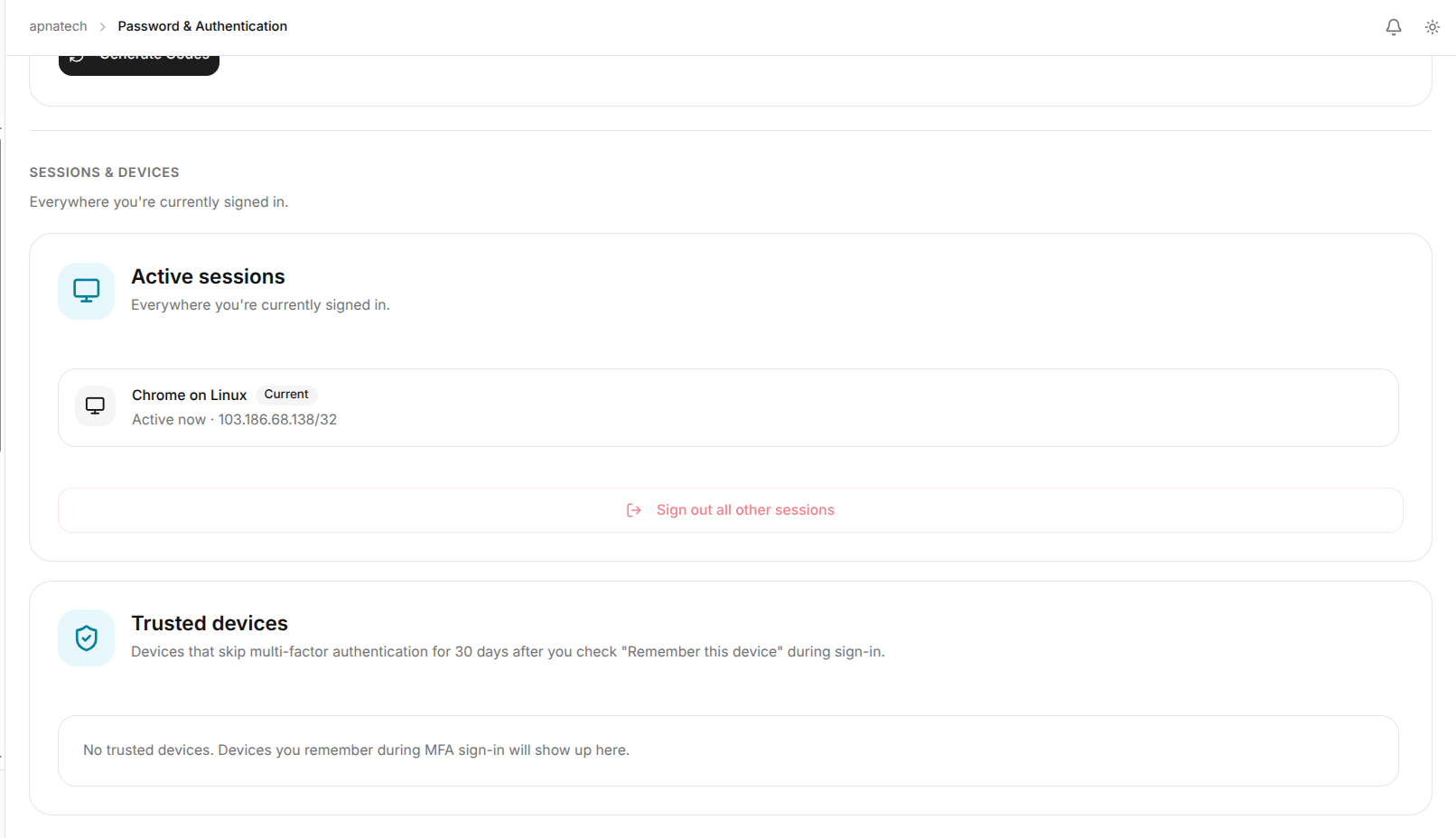
Related Documentation
- Sign In to Quant0 - Learn how to sign in to Quant0.
- Passkeys - Configure and use passwordless passkey authentication.
- Password & Authentication - Manage account authentication settings.