App Groups
Purpose: Organize customer-facing applications into identity realms. Apps assigned to the same group share customer credentials and IdP links. SSO can be enabled to allow customers to move between apps without re-authenticating.
Create an app group
-
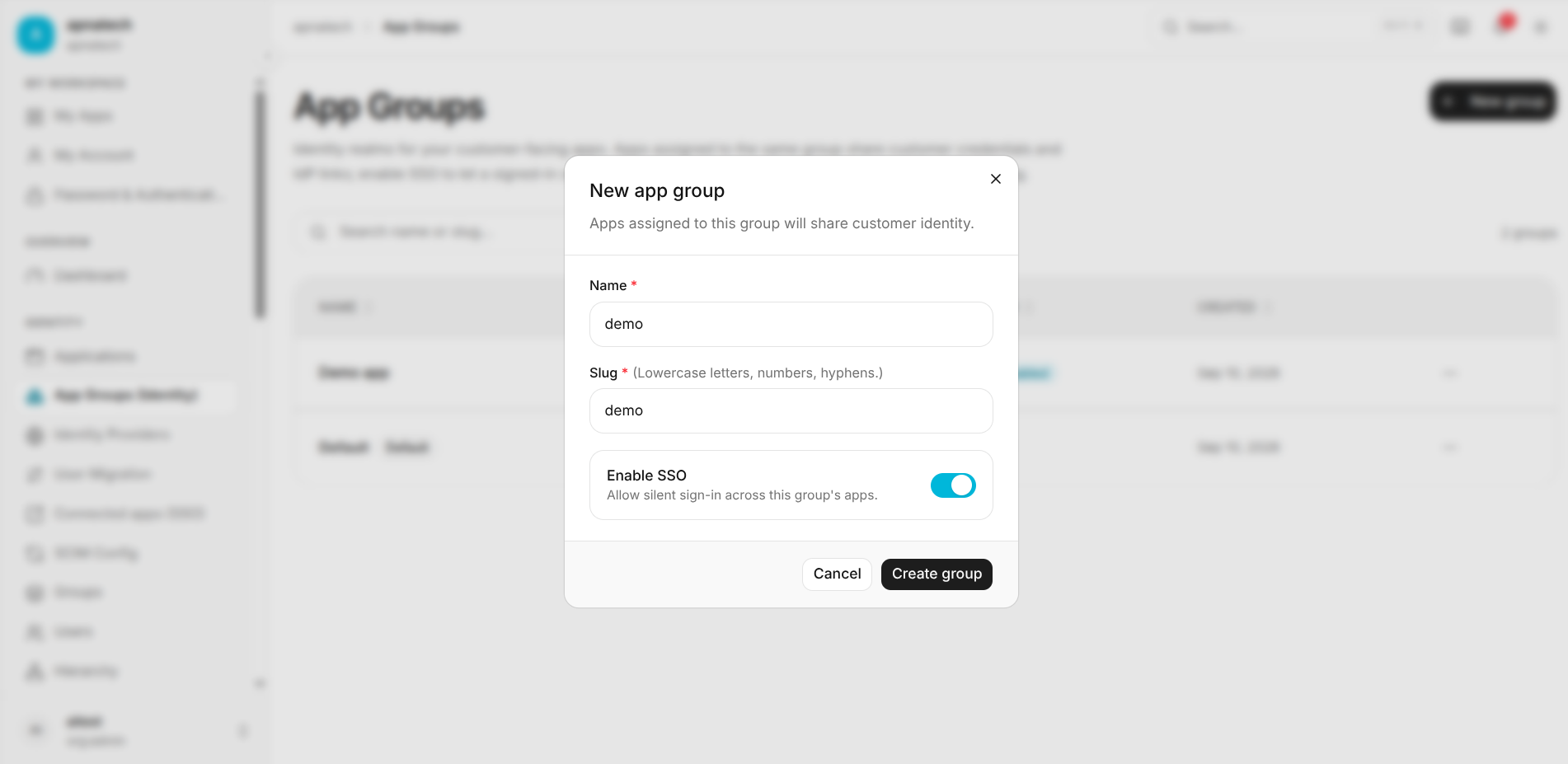
Step 1: Open App Groups and click New group.
-
Step 2: Enter the Name for the app group.
-
Step 3: Enter a unique Slug using lowercase letters, numbers, and hyphens.
-
Step 4: Enable SSO if customers should be able to move between the group's apps without re-authenticating.
-
Step 5: Click Create group.
Search app groups
- Use Search name or slug... to quickly find an app group.
- Search supports both the group's display name and slug.
Edit an app group
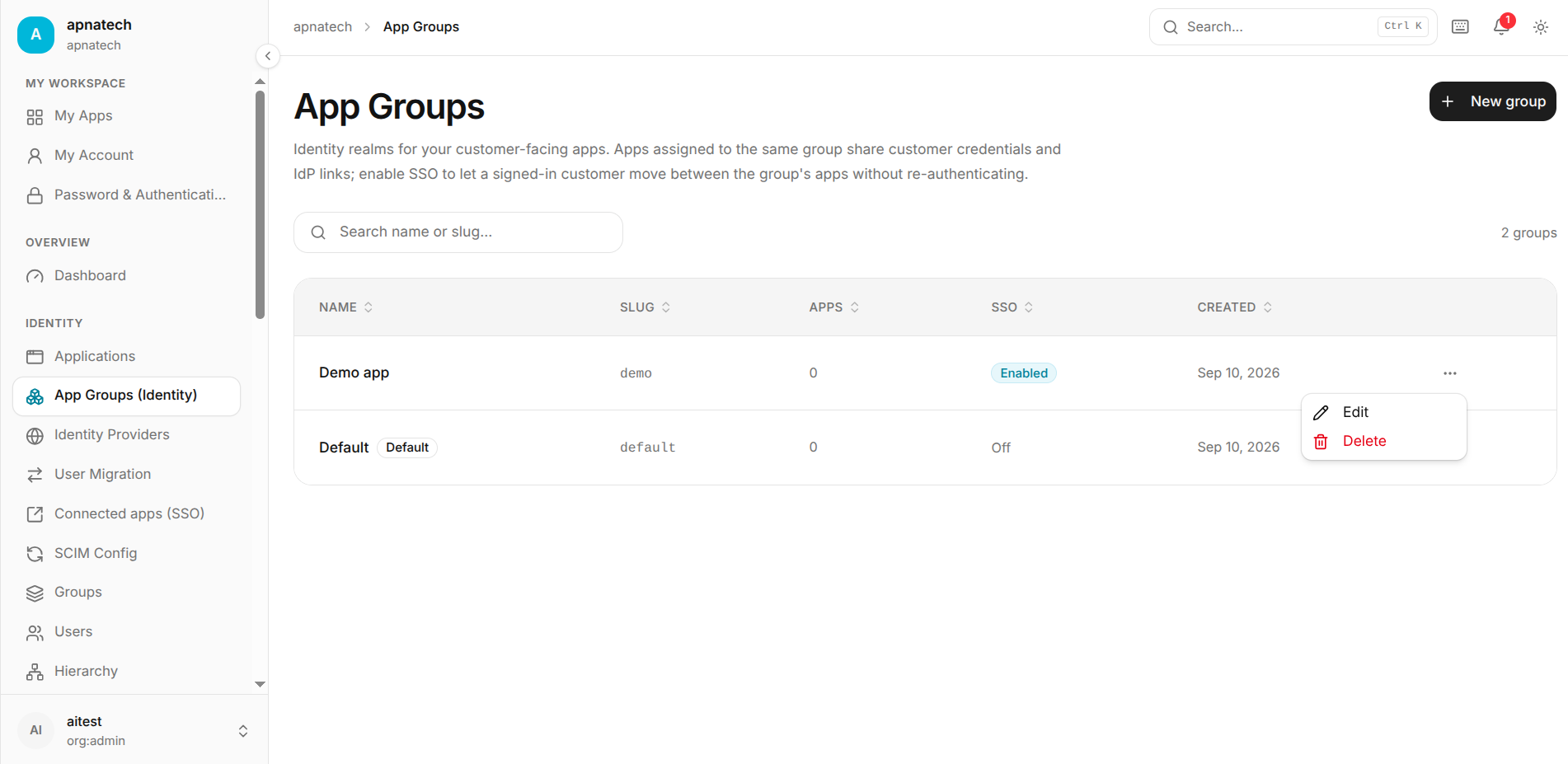
- Step 1: Open the action menu for the required app group.
- Step 2: Select Edit.
- Step 3: Update the group Name if required.
- Step 4: Review the Slug. The existing slug is displayed as read-only while editing.
- Step 5: Enable or disable SSO.
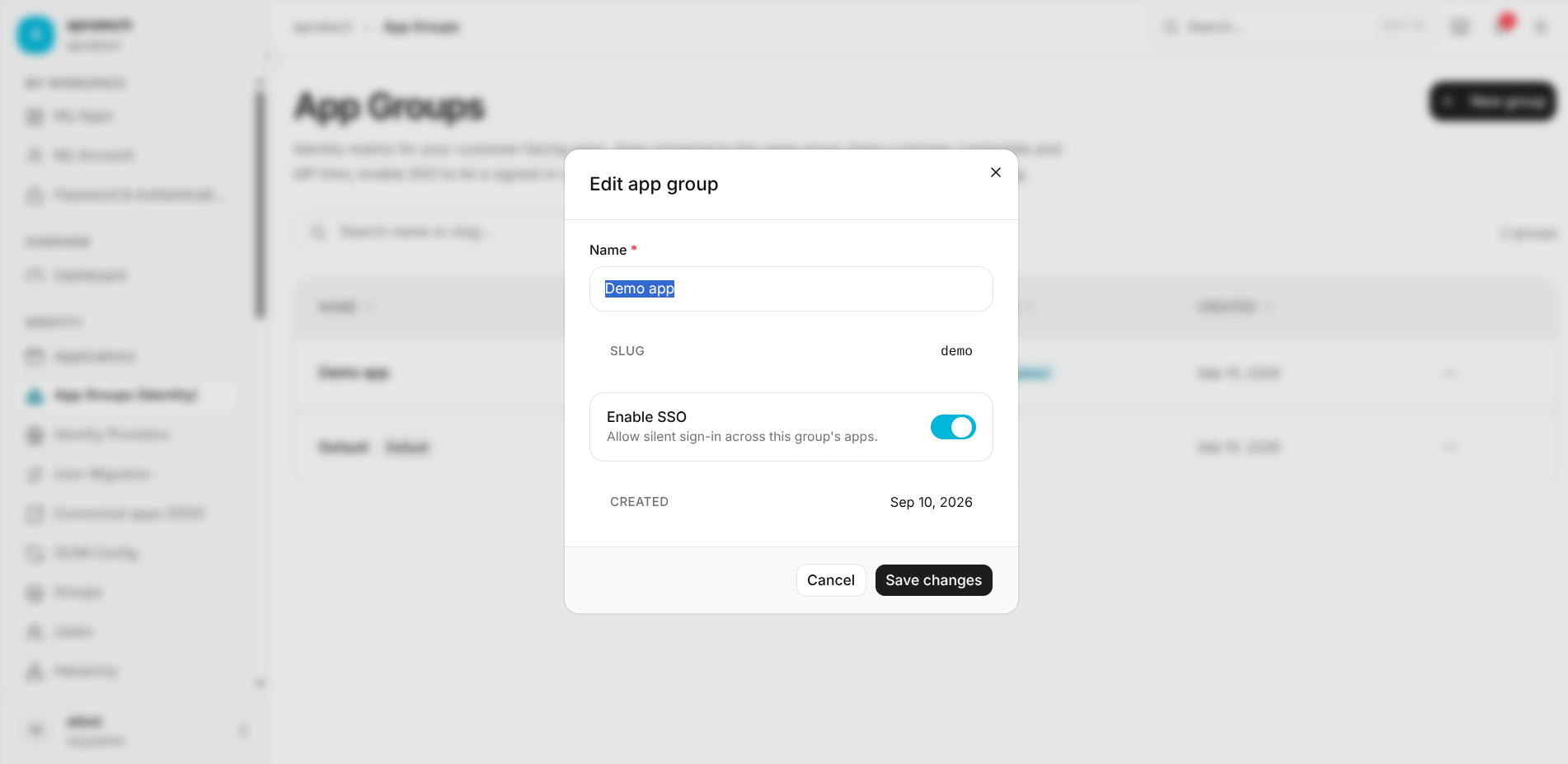
- Step 6: Click Save changes to apply the update.
SSO
- Enable SSO when multiple applications should share the customer's authentication context.
- A signed-in customer can move between applications in the same group without re-authenticating.
- The SSO column shows whether SSO is Enabled or Off.
Default app group
- The Default group is provided as the standard app group.
- It is identified with a Default badge.
- Applications can use the default identity realm when they are not assigned to another app group.
Delete an app group
- Open the app group's action menu.
- Select Delete.
- Confirm the deletion when prompted.
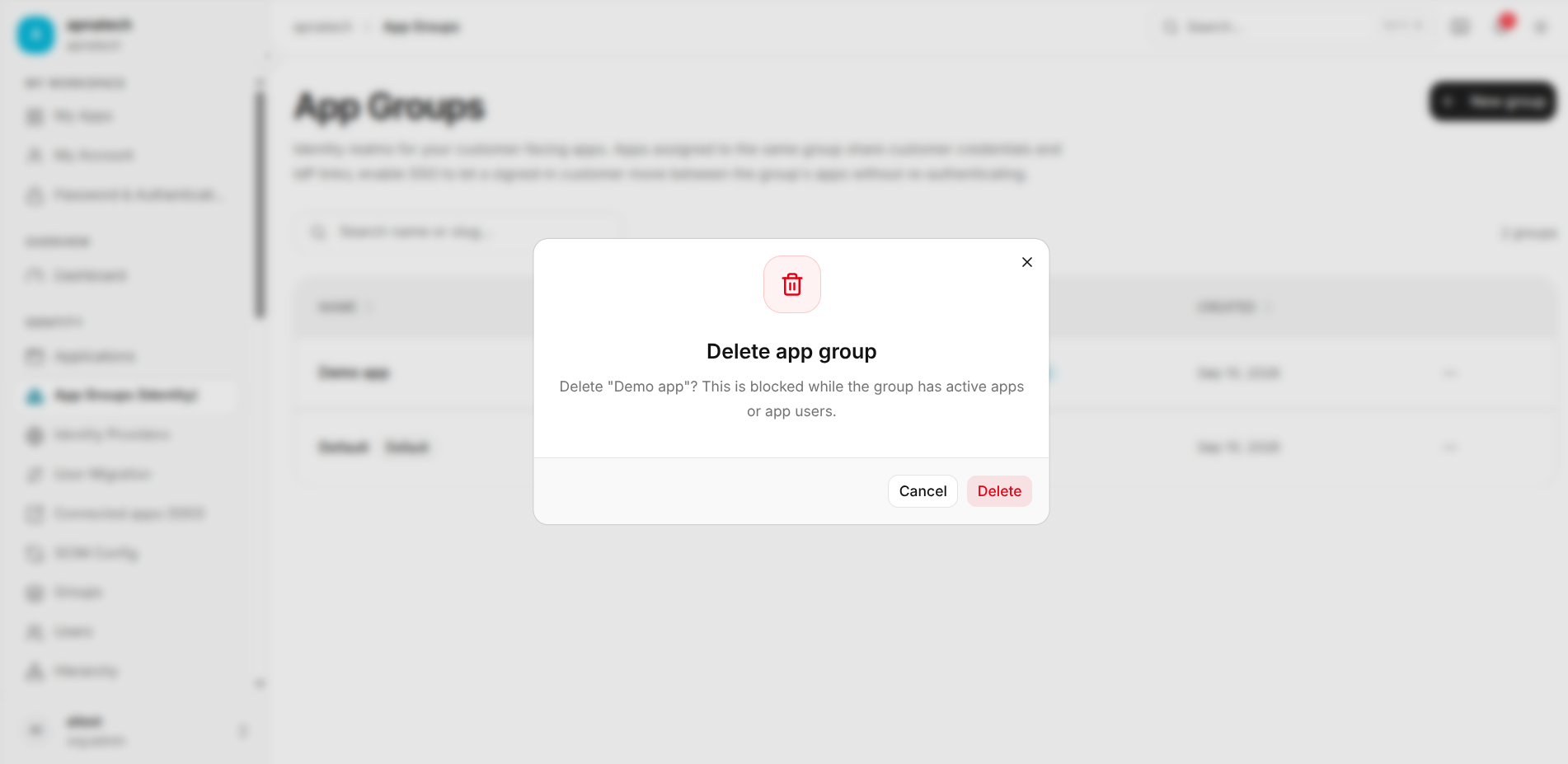
Warning: Deleting an app group is a destructive operation. Review applications assigned to the group before deleting it.
Troubleshooting
-
SSO is not working:
- Confirm that SSO is enabled for the app group.
- Confirm that the relevant applications are assigned to the same app group.
-
Application is not sharing customer identity:
- Verify that the application is assigned to the expected app group.
- Check the group's customer credentials and IdP configuration.
-
Cannot find an app group:
- Use the Search name or slug... field.
- Verify the group name or slug.