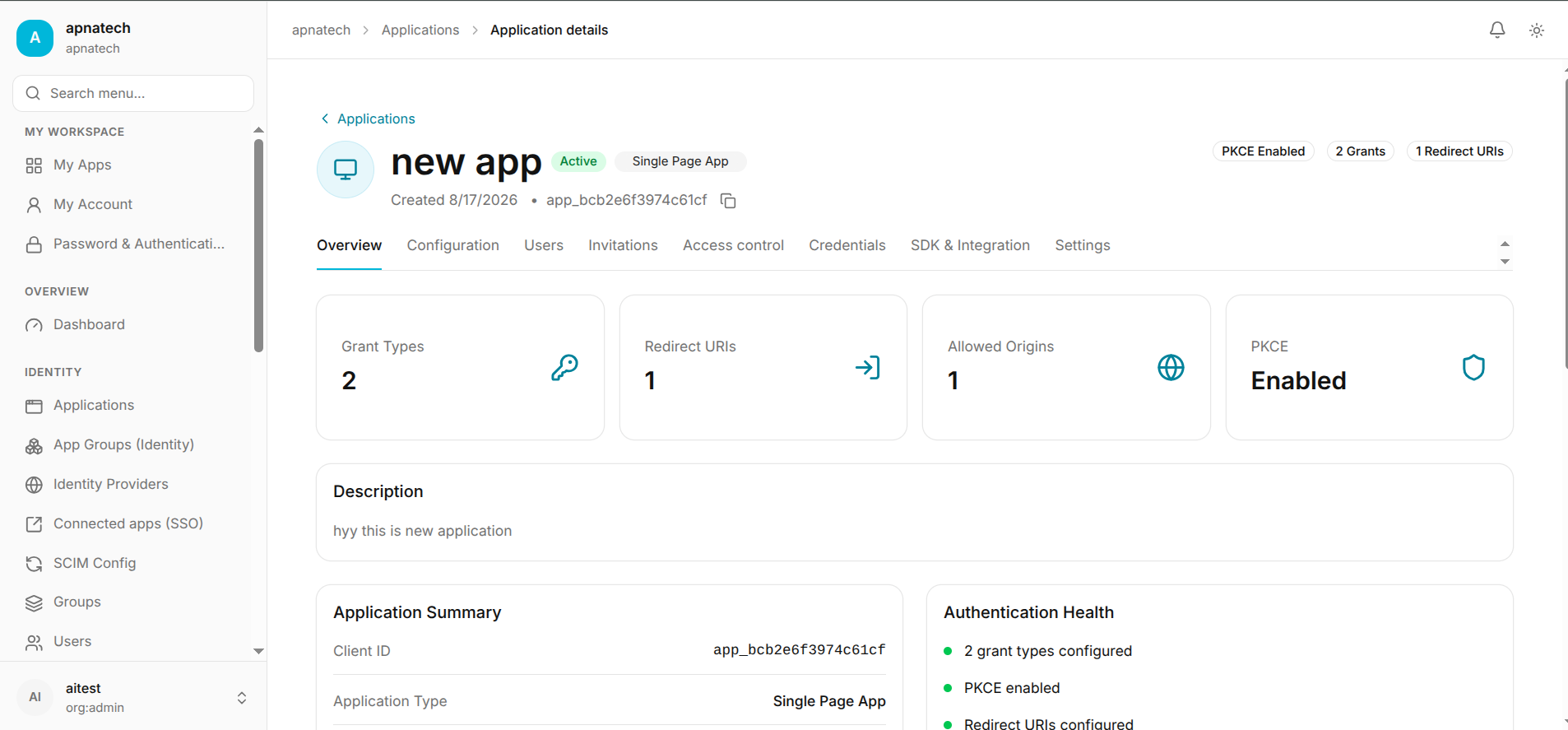
Configure a Machine-to-Machine Application
A Machine-to-Machine (M2M) application is used when one service needs to authenticate with another service without an end user signing in.
Common use cases include:
- Backend APIs
- Microservices
- Cron jobs
- Background workers
- Automated processes
- Server-to-server communication
Quant0 uses the Client Credentials flow for Machine-to-Machine applications.
Authentication flow: Client Credentials
When to Use a Machine-to-Machine Application
Choose Machine-to-machine when:
- There is no interactive user login.
- A backend service needs to authenticate as itself.
- One service needs to access another API.
- Authentication happens entirely between trusted services.
- The application runs as an automated or background process.
Create a Machine-to-Machine Application
To create a Machine-to-Machine application:
- Open the Quant0 Organization Portal.
- Navigate to Applications.
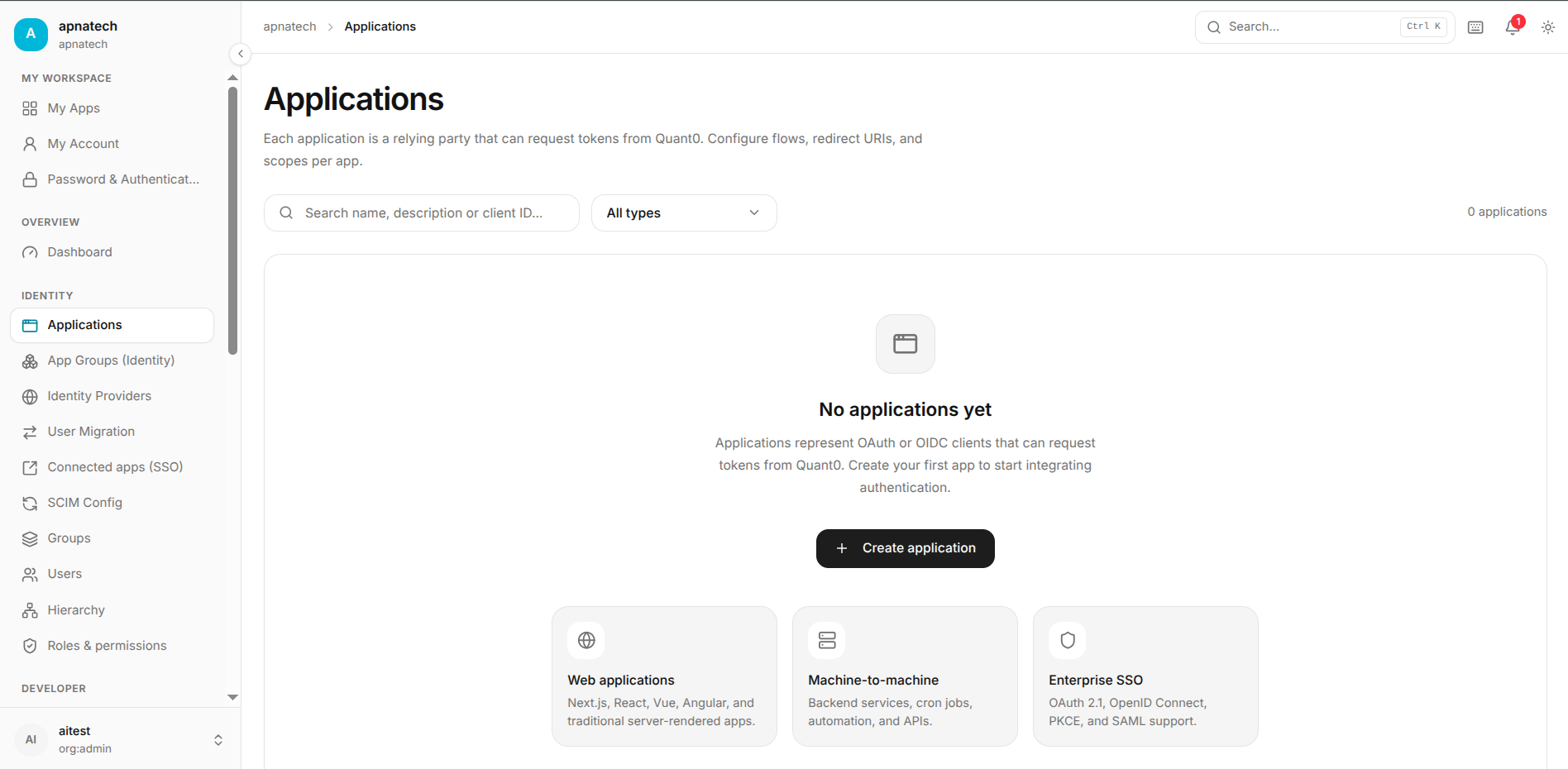
- Select Create application.
- Select Machine-to-machine.
- Select Continue.
The authentication flow is:
Client Credentials
Configure Application Basics
The Basics step allows you to configure the application's basic information.
Application Name
Enter a name that clearly identifies the service.
Example:
Order Processing Service
Description
The description is optional.
Example:
Backend service used to process customer orders
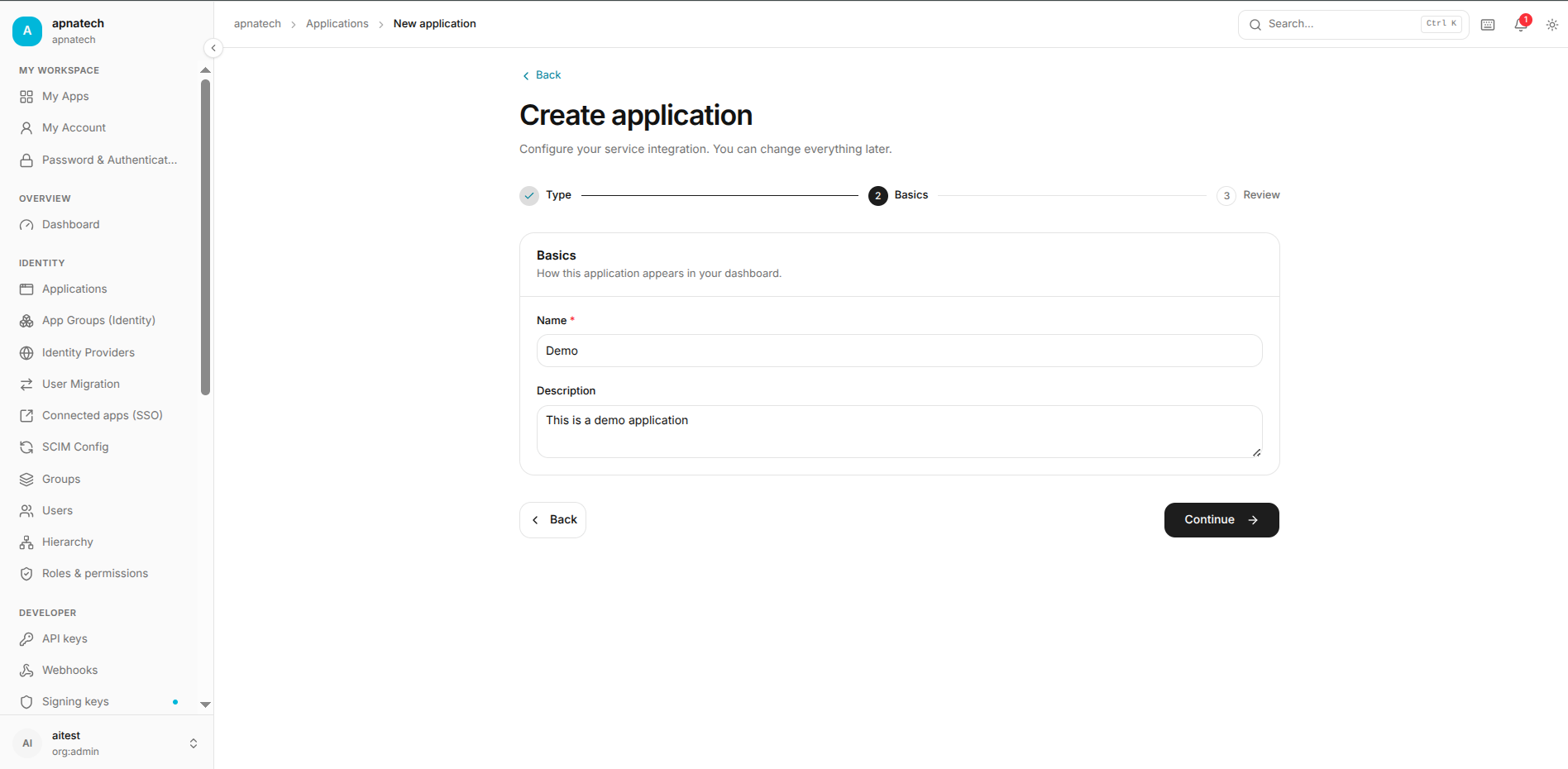
Use the description to help administrators understand the purpose of the service.
Configure URLs
Machine-to-Machine applications do not require an interactive browser authentication flow.
Because there is no end-user redirect involved, the following URL settings are generally not required:
- Callback URLs
- Web origins
- Login entry points
- Sign-out URLs
Note: M2M authentication happens directly between trusted services and Quant0. No browser-based authentication redirect is required.
Configure Sign-In and Security
M2M applications do not use interactive user sign-in.
There is no end-user authentication step.
The service authenticates as the application itself using:
Client Credentials
This means:
- No user login is required.
- No authorization code redirect is required.
- No browser session is required.
- The backend service obtains tokens directly from Quant0.
Review the Application
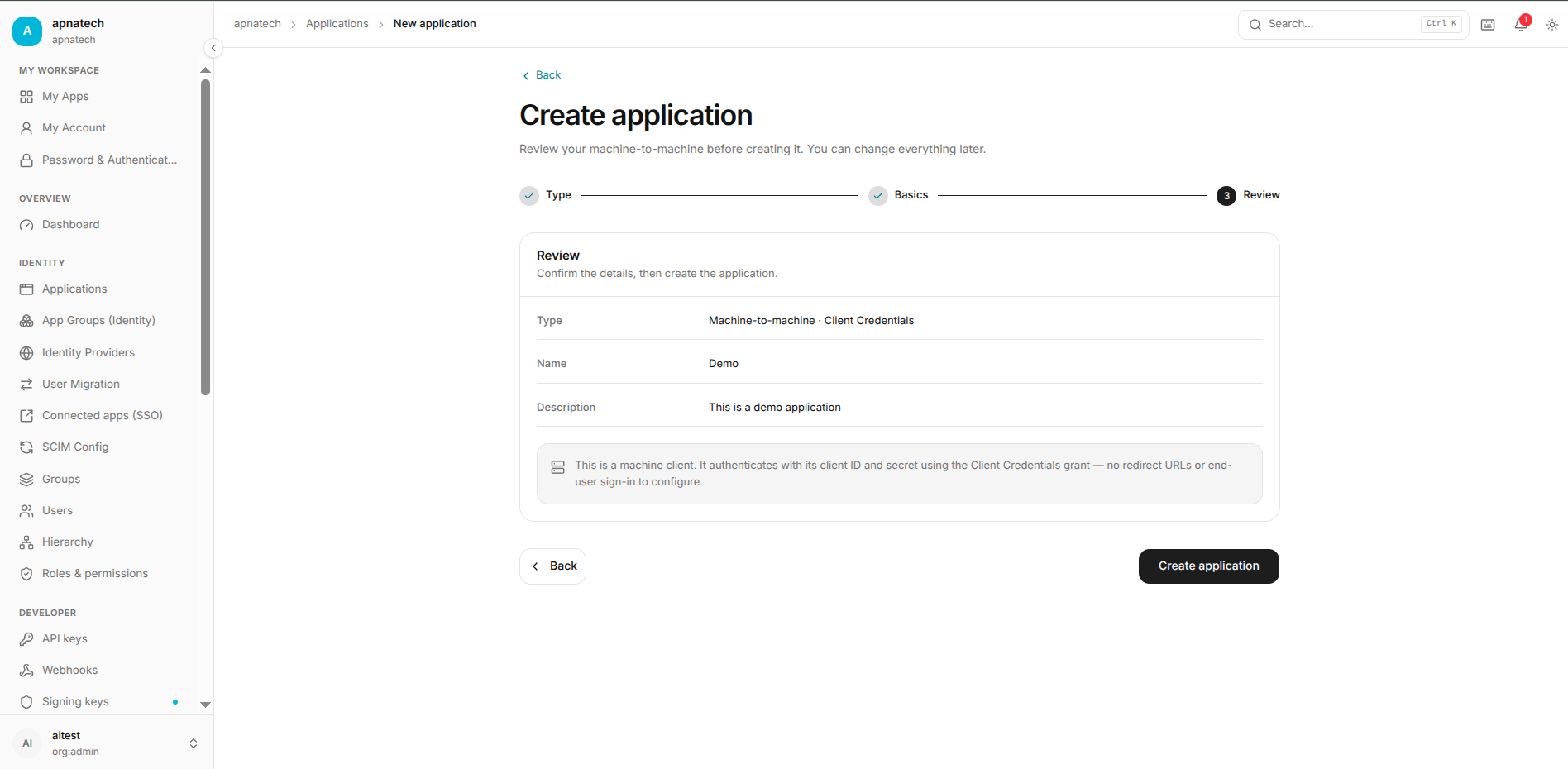
Before creating the application, Quant0 displays a Review page.
Review the following configuration:
- Application type
- Application name
- Authentication flow
- Credentials
- Access configuration
- Application group
Example Configuration
Type:
Machine-to-machine · Client Credentials

Name:
Order Processing Service

Authentication:
Client Credentials

Credentials:
Configured

Interactive login:
Not required
After confirming the configuration, select Create application.
After creating application go to overview