Configure a Service Integration
A Service Integration is used when an internal service, automation process, or service connection needs to authenticate with another service without an interactive user login.
Common use cases include:
- Internal services
- Automation processes
- Scheduled jobs
- Service connections
- Backend integrations
- Internal tooling
Quant0 uses the Client Credentials flow for Service Integrations.
Authentication flow: Client Credentials
When to Use a Service Integration
Choose Service integration when:
- The integration runs without an interactive user.
- A backend service needs to authenticate as itself.
- You are connecting internal services.
- You are building automation or scheduled processes.
- The integration is intended for internal tooling or service connections.
Create a Service Integration
To create a Service Integration:
- Open the Quant0 Organization Portal.
- Navigate to Applications.
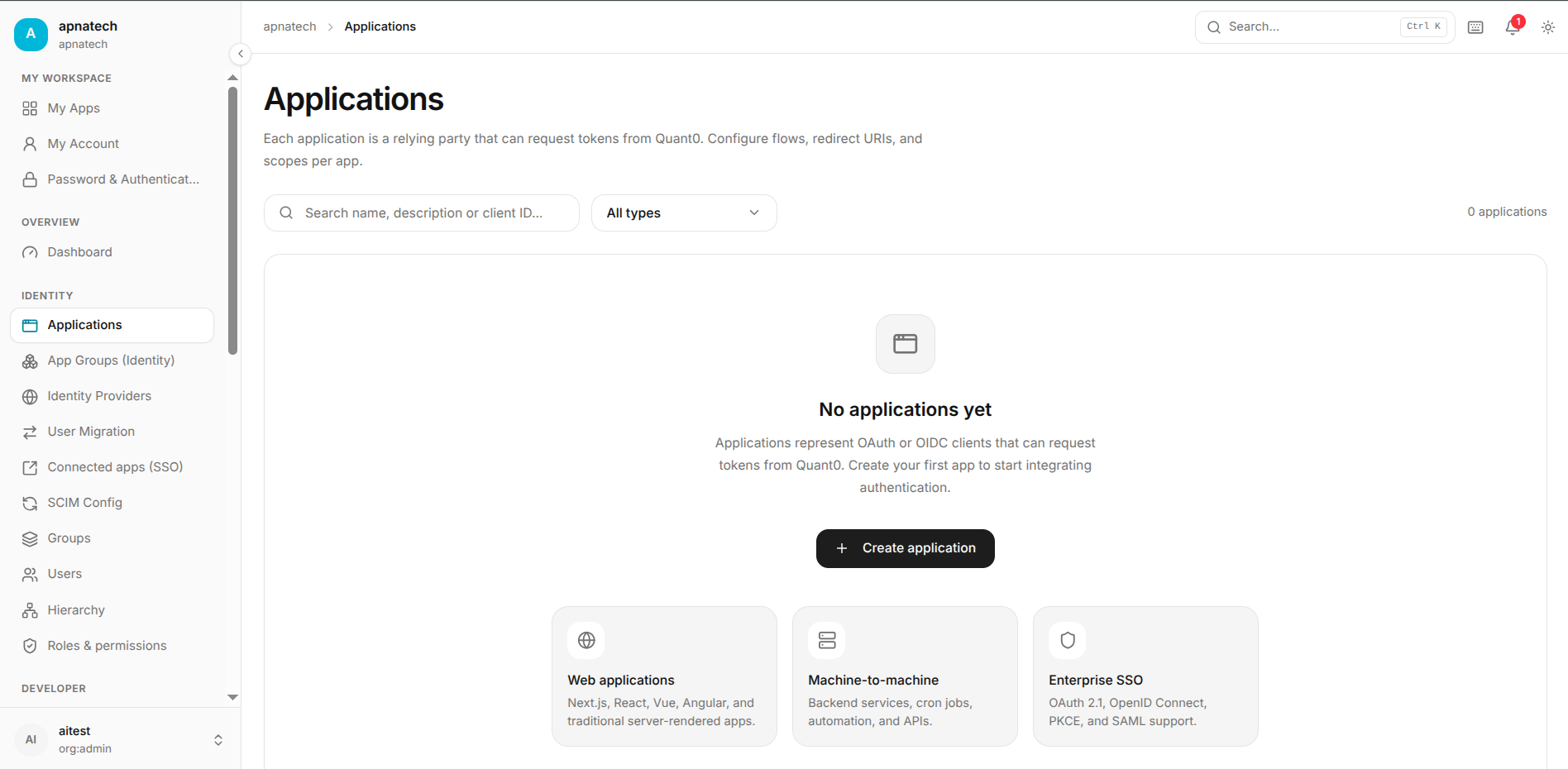
- Select Create application.
- Select Service integration.
- Select Continue.
The authentication flow is:
Client Credentials
Configure Application Basics
The Basics step allows you to configure the integration's basic information.
Application Name
Enter a name that clearly identifies the integration.
Example:
Internal Automation Service
Description
The description is optional.
Example:
Internal service used for scheduled automation
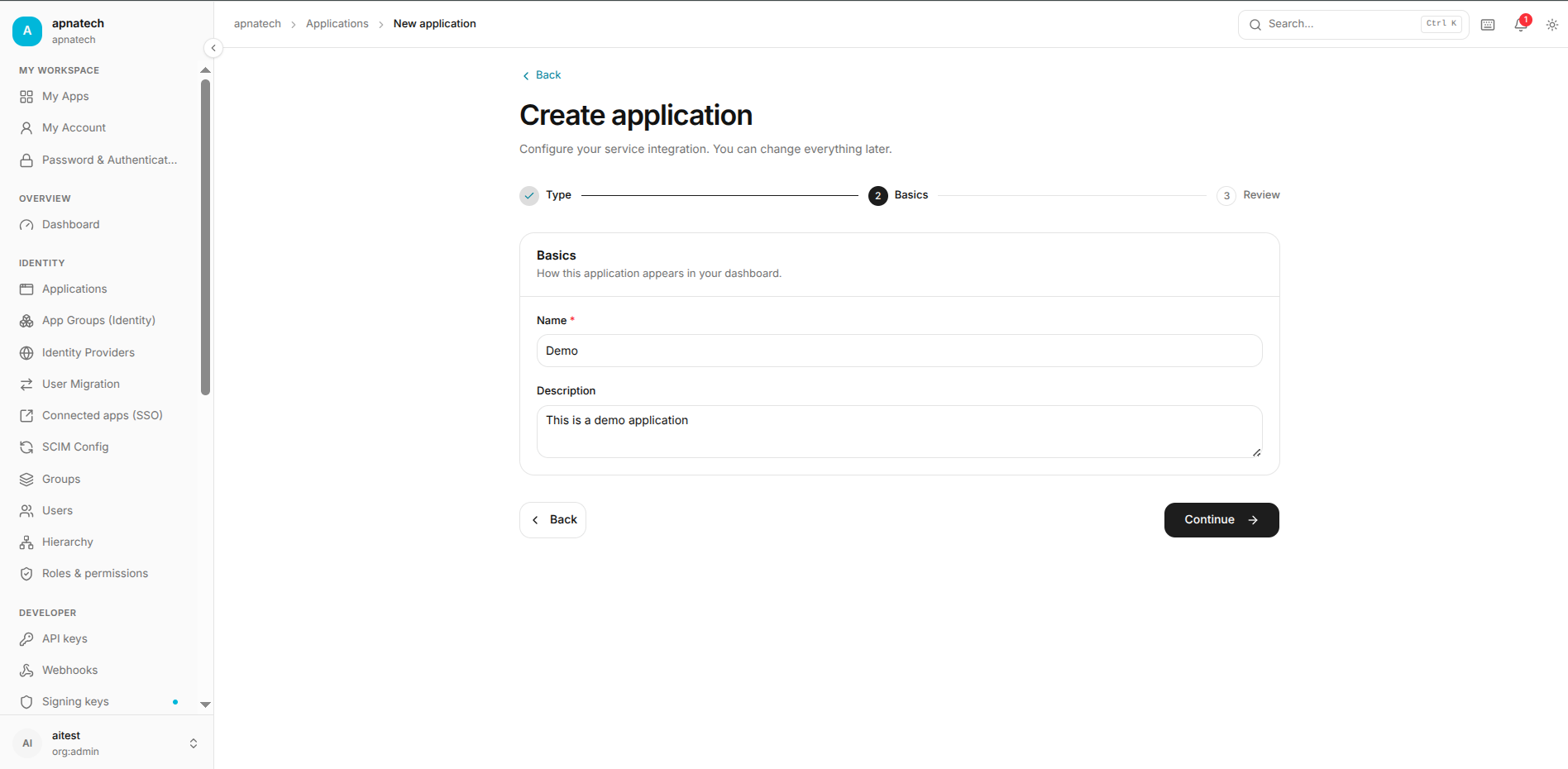 Use the description to help administrators understand the purpose of the integration.
Configure URLs
Service Integrations do not require an interactive browser authentication flow.
Because there is no end-user redirect, the following URL settings are generally not required:
- Callback URLs
- Web origins
- Login entry points
- Sign-out URLs
Note: Service Integrations authenticate directly between trusted services and Quant0. No browser-based authentication redirect is required.
Configure Sign-In and Security
Service Integrations do not use interactive user sign-in.
The service authenticates as itself using:
Client Credentials
This means:
- No user login is required.
- No authorization code redirect is required.
- No browser session is required.
- The service obtains tokens directly from Quant0.
Review the Application
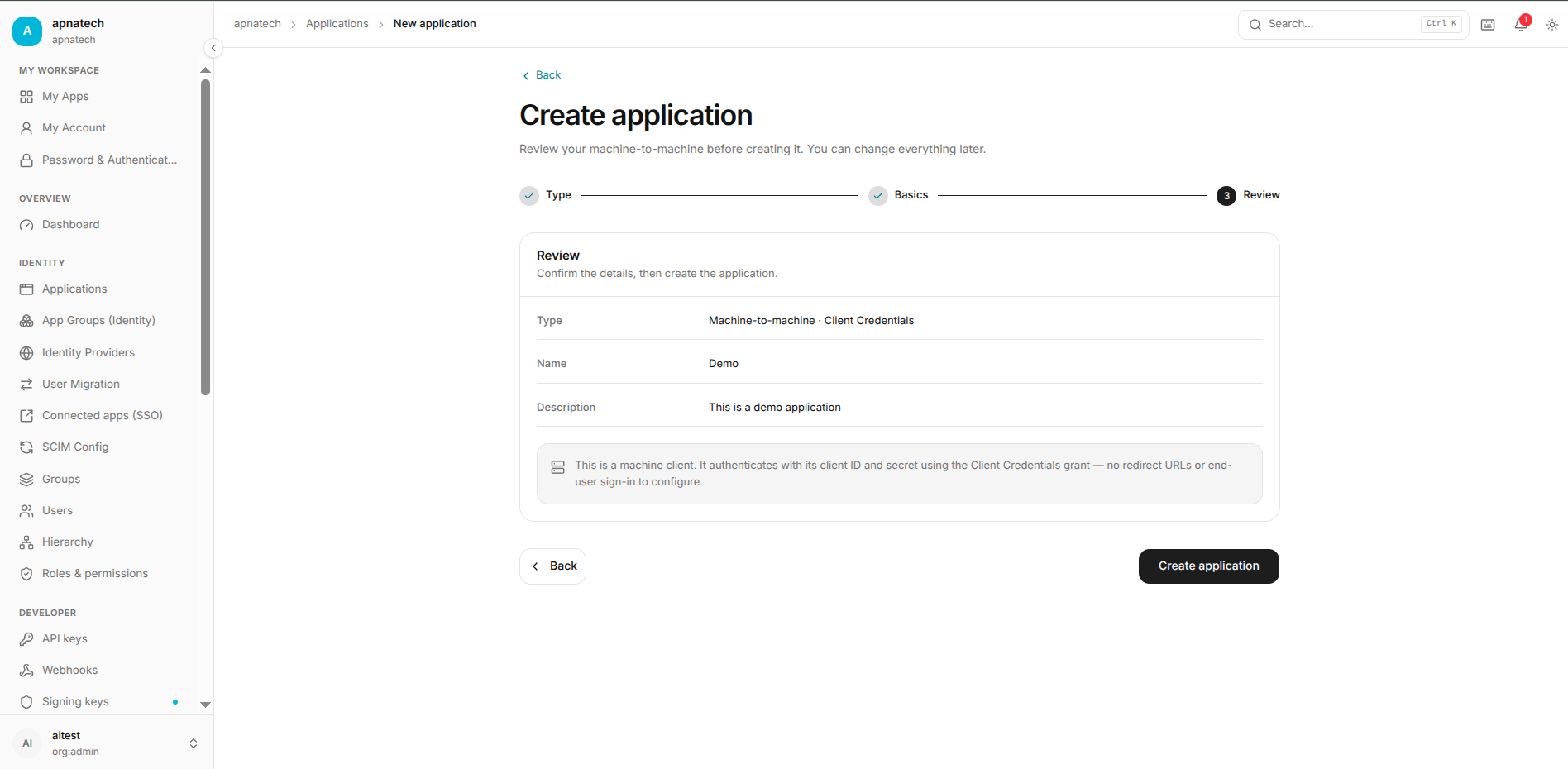
Before creating the Service Integration, Quant0 displays a Review page.
Review the following configuration:
- Application type
- Application name
- Authentication flow
- Credentials
- Access configuration
- Application group
Example Configuration
Type:
Service integration · Client Credentials

Name:
Internal Automation Service

Authentication:
Client Credentials

Credentials:
Configured

Interactive login:
Not required
After verifying the configuration, select Create application.
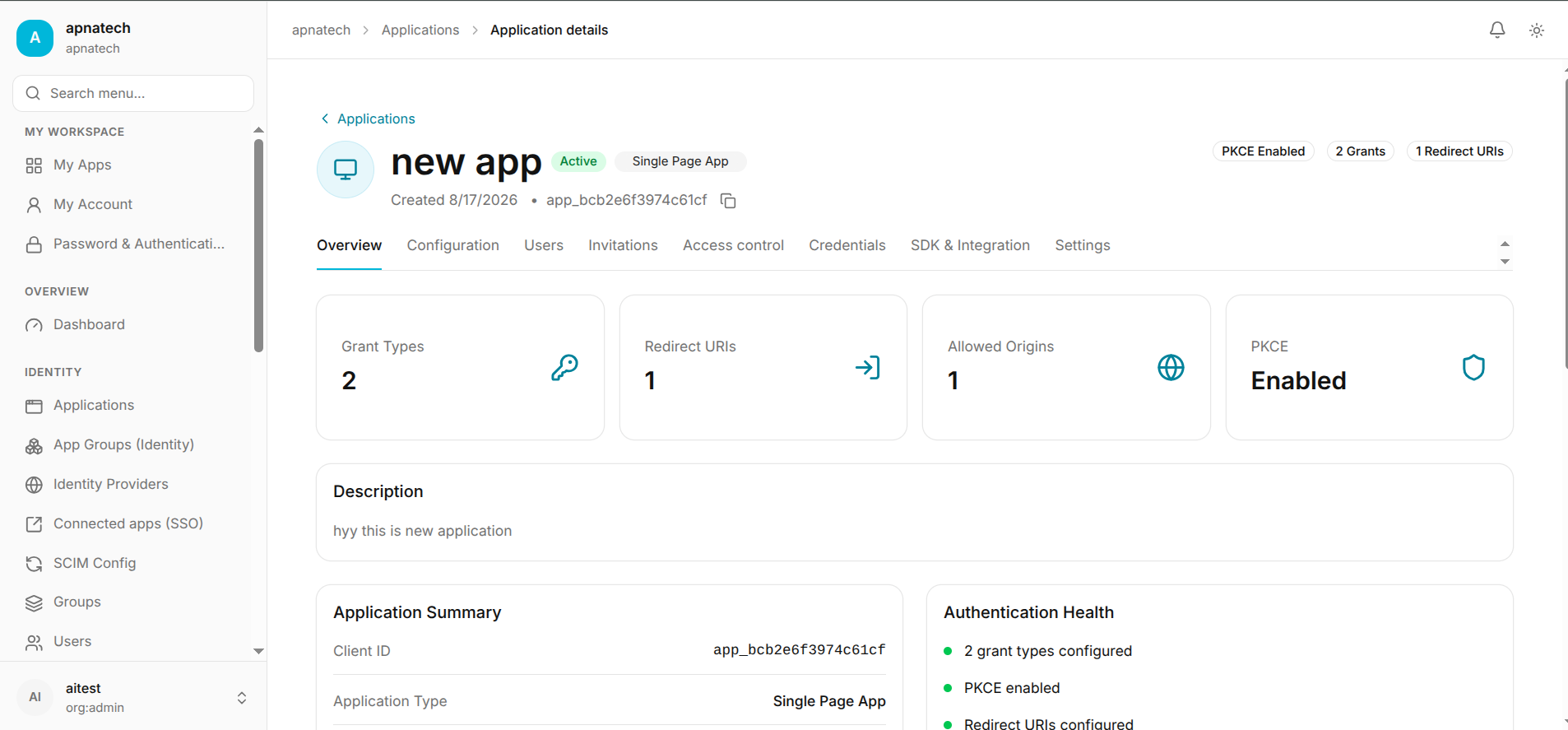
After creating application go to overview