Linked Identities
The Linked Identities tab is used to view identities associated with a user's Quant0 account.
Linked identities can represent authentication identities provided by external identity providers.
Accessing Linked Identities
To view a user's linked identities:
Users → Select a User → Linked Identities
- Open Users.
- Select the required user.
- Select the Linked identities tab.
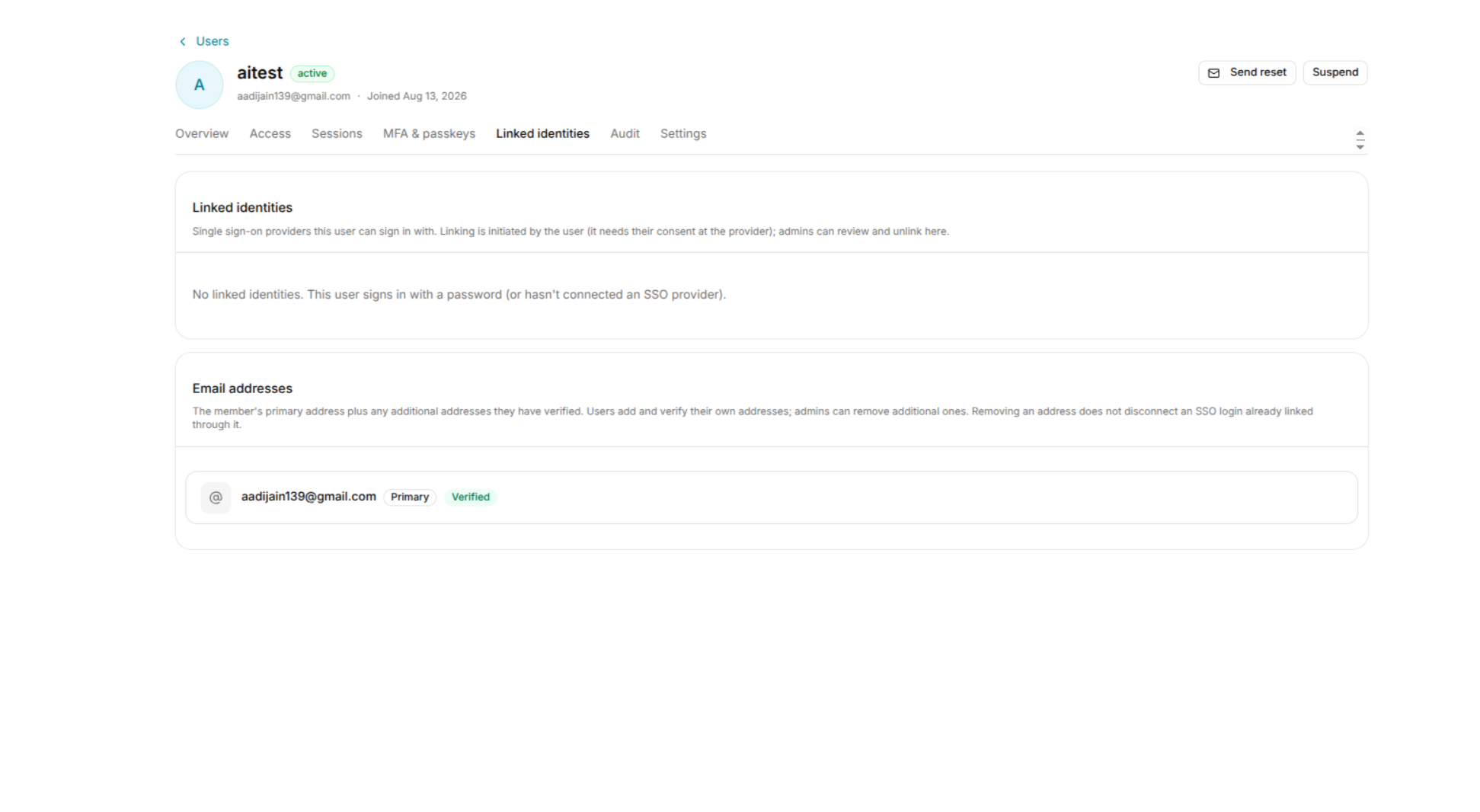
Linked Identity Information
A linked identity may contain information such as:
- Identity provider
- External account identifier
- Provider type
- Connection status
- Associated account information
The exact information displayed depends on the identity provider configuration.
Managing Linked Identities
Administrators can review the external identities associated with the selected user.
Before removing or modifying a linked identity, verify that the user has another valid authentication method available.
Removing the only available identity may affect the user's ability to authenticate.
Security Considerations
Review linked identities when:
- A user's identity provider changes.
- An external account is no longer authorized.
- Investigating unexpected authentication activity.
- Removing access from an external identity.