User Settings
The Settings tab provides administrators with account-level actions for managing a user's Quant0 account.
These actions include suspending the account, sending a password reset link, and deleting the user.
Accessing User Settings
To manage a user's account settings:
Users → Select a User → Settings
- Open Users.
- Select the required user.
- Select the Settings tab.
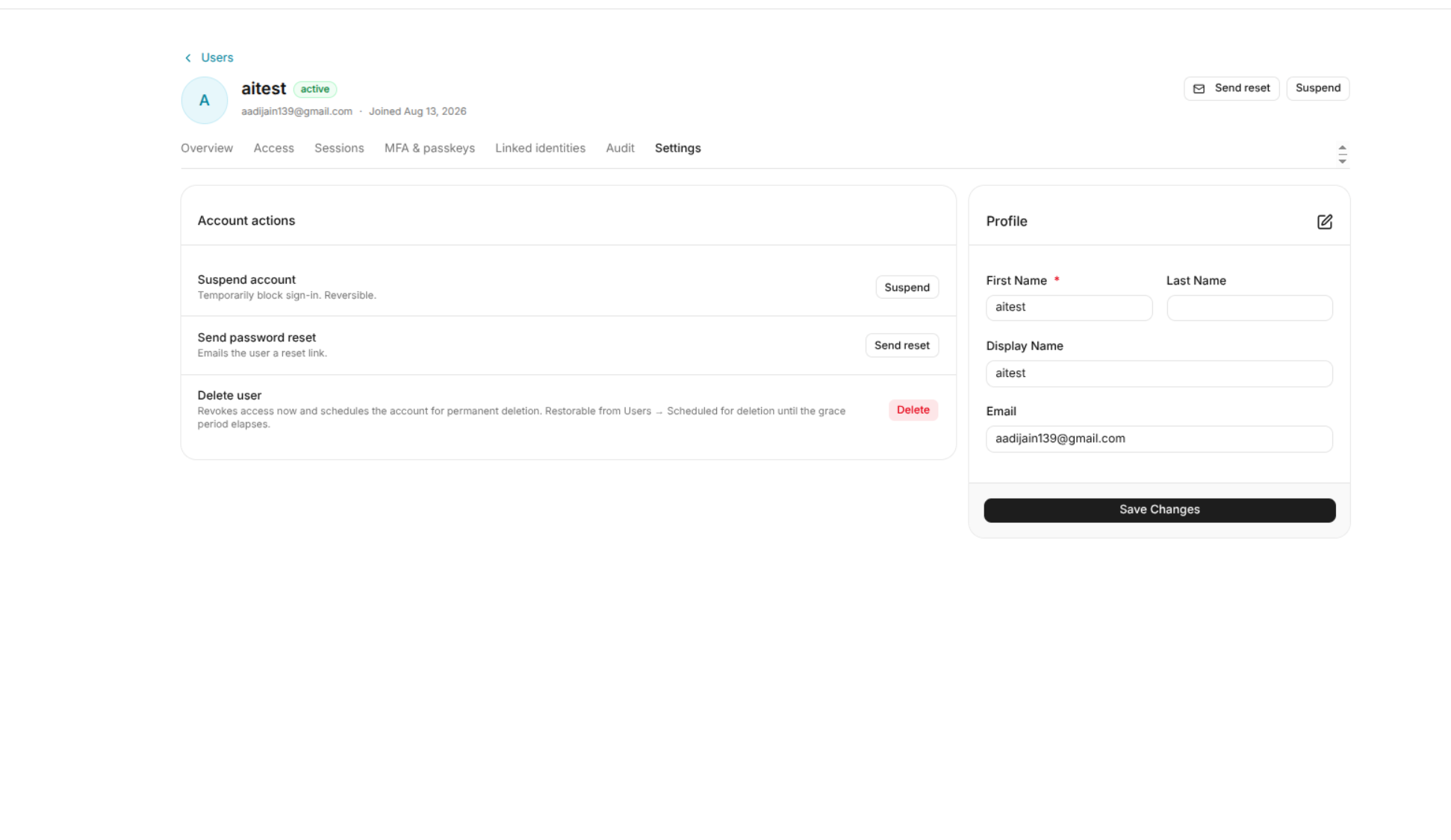
Account Actions
The Settings page provides the following account actions:
Suspend Account
The Suspend account action temporarily blocks the user from signing in.
Suspension is reversible.
To suspend a user:
- Open the user's Settings tab.
- Locate Suspend account.
- Click Suspend.
- Confirm the action if prompted.
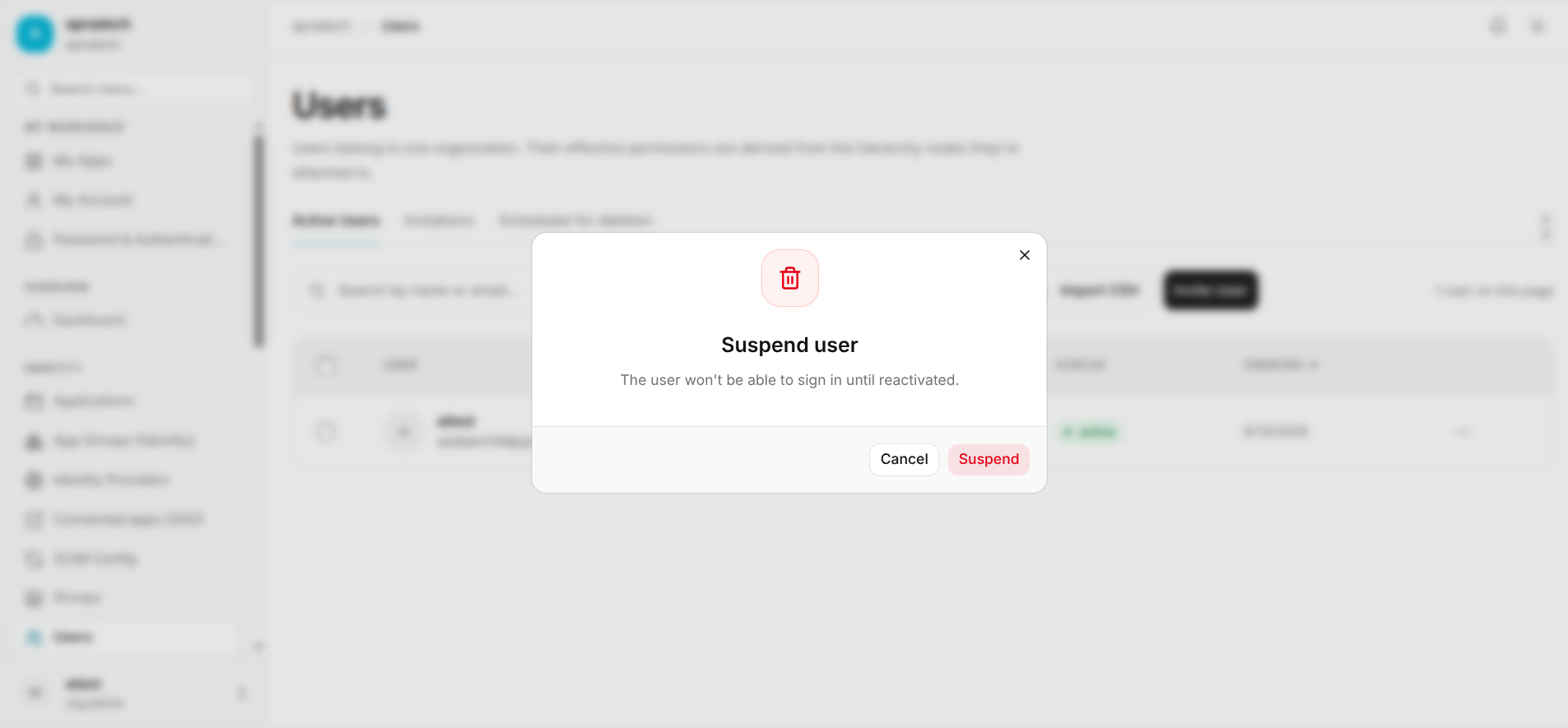
Once suspended, the user cannot sign in until the account is restored.
Send Password Reset
The Send password reset action sends the user a password reset link.
This can be useful when an administrator needs to help a user recover access to their account.
To send a reset link:
- Open the user's Settings tab.
- Locate Send password reset.
- Click Send reset.
- The password reset instructions are sent to the user's email address.
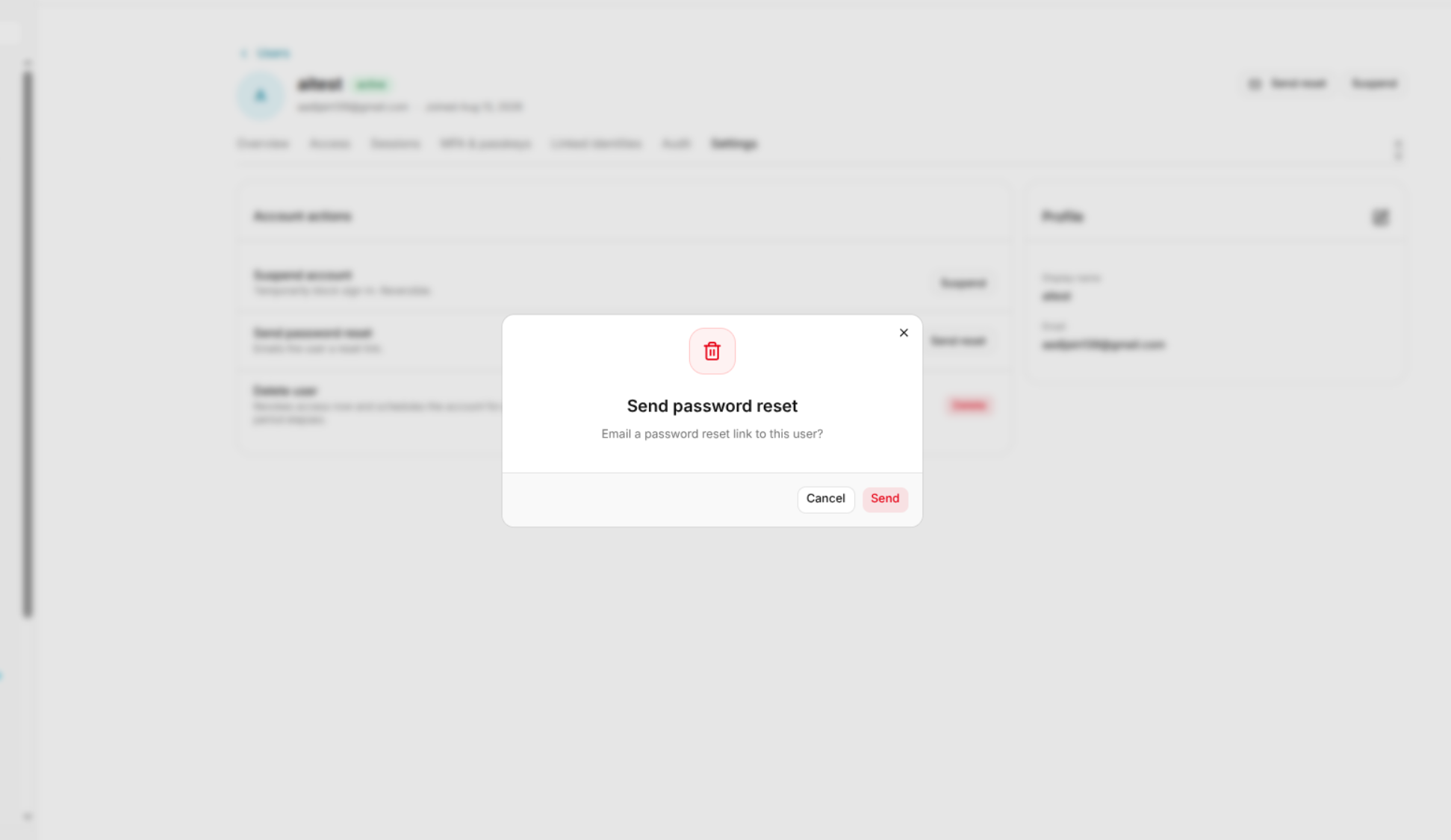
For more information, see Forgot Password.
Delete User
The Delete user action revokes the user's access and schedules the account for permanent deletion.
The interface indicates that the account can be restored from:
Users → Scheduled for deletion
until the applicable grace period expires.
To delete a user:
- Open the user's Settings tab.
- Locate Delete user.
- Click Delete.
- Confirm the deletion if prompted.
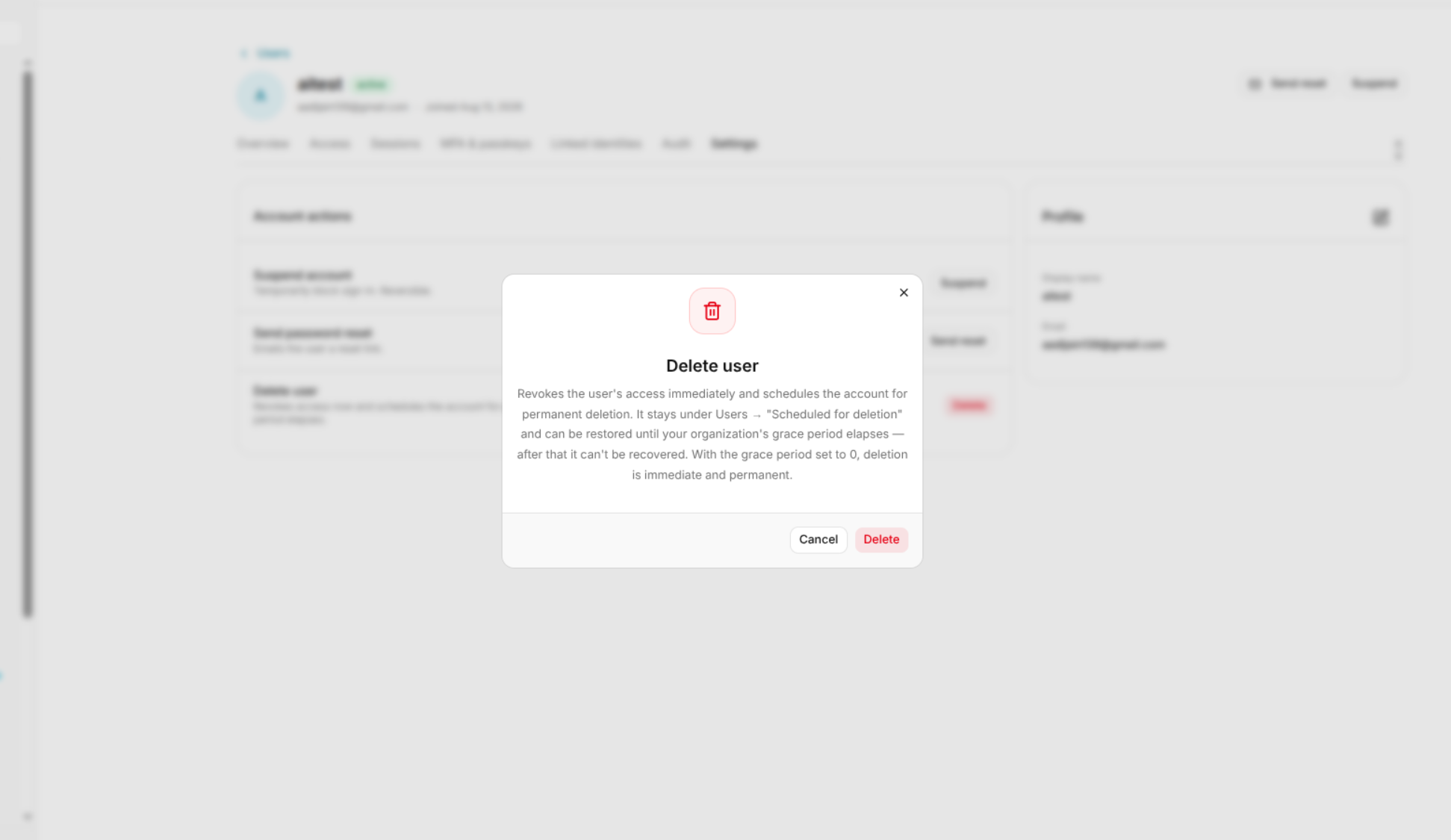
Warning: User deletion is a destructive account action. Verify the user and deletion requirement before proceeding.
Profile
The Settings page also displays the user's profile information.
The profile can include:
- Display name
An edit option may be available for updating profile information.
Account Lifecycle
The available account actions support the following lifecycle operations:
| Action | Purpose |
|---|---|
| Suspend | Temporarily blocks sign-in. |
| Send reset | Sends password recovery instructions to the user. |
| Delete | Revokes access and schedules the account for permanent deletion. |